FREE

Leavoda provides 14 days free trial!

Unify online and in-person payments.

Send invoices, collect with a card reader or the Leavoda mobile app, and track every transaction — powered by Stripe, built for field crews.
hero image
Why Leavoda Payments

One payments system for the office and the job site

Stop juggling a separate POS. Leavoda connects invoicing, Stripe Connect, Terminal readers, and mobile collect payment so cash flow stays tied to real work.

Unify commerce

Online invoice links and in-person card payments live with the same clients, jobs, and reports.

Get paid faster on site

Techs collect tap, chip, or swipe before they leave the driveway — fewer unpaid invoices.

Scale with your crew

Pair readers to the mobile app and let each technician collect without a front-desk checkout.

Secure by design

Stripe encryption and Terminal-certified hardware keep card data out of your team’s hands.

In-person payments

Unify online and on-site payments

Leavoda Payments is powered by Stripe — so your team can invoice online and collect cards in the field with a card reader or the mobile app, in one place.

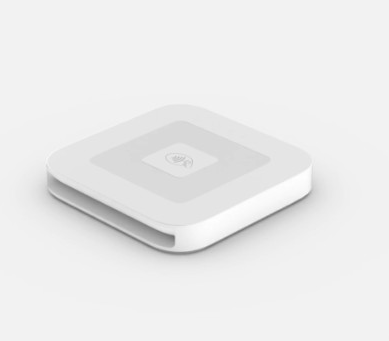
BBPOS WisePad 3 card reader for Stripe Terminal

Card reader

Stripe Terminal for field crews

Connect a supported card reader so technicians can take tap, chip, or swipe payments right after the job — professional checkout without a separate POS.

  • Pair a WisePad 3 (or supported Stripe Terminal reader) from the Leavoda mobile app
  • Accept tap, chip, and swipe — including Visa, Mastercard, and Interac
  • Collect payment before your crew leaves the job site
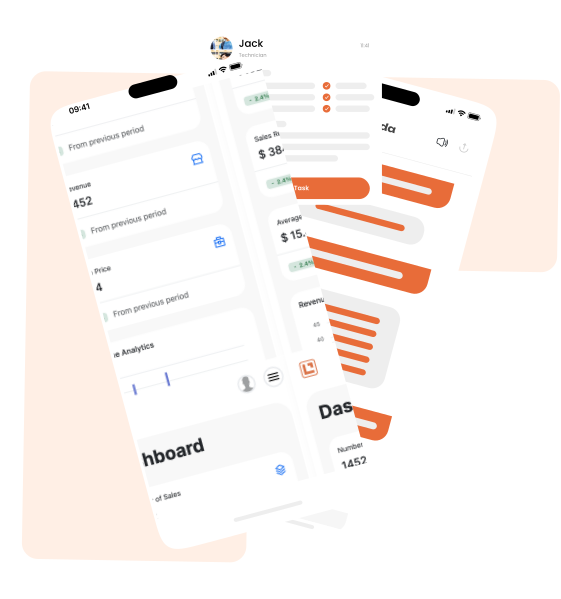
Leavoda mobile app for collecting payments

Mobile app

Collect from your phone or tablet

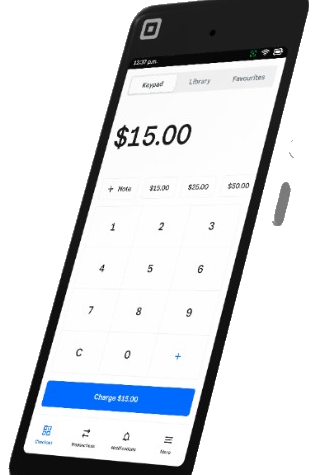
Use the Leavoda mobile app to start Collect Payment on an invoice — with a connected reader, manual card entry, or cash, cheque, and other methods.

  • Invoice and collect from the same mobile workflow your techs already use
  • Type a card manually when a reader isn’t available
  • Online and in-person payments land in one Leavoda transaction history

Hardware is ordered through Stripe Terminal (for example WisePad 3). Leavoda connects the reader to your account so payments stay with your jobs, invoices, and reports — with no markup on Stripe processing fees.

hero image
Card reader

Accept cards the moment the job is done

Connect a Stripe Terminal reader such as the WisePad 3. Your crew starts Collect Payment in the Leavoda mobile app, taps or inserts the card, and the payment posts to the invoice automatically.

Pre-certified hardware

Use Stripe-supported readers designed for secure in-person payments — no custom POS build required.

Same Stripe account

Terminal charges use your connected Stripe account, so payouts and reconciliation stay consistent with online payments.
hero image
Mobile workflow

Collect payment from the Leavoda mobile app

Whether you have a reader paired or need a backup method, Collect Payment keeps the field workflow simple: open the invoice, choose how to get paid, and finish the job.

Reader or manual card

Use a connected Terminal reader, or type a card when hardware isn’t on hand.

Cash, cheque & more

Record cash, cheque, e-Transfer, PayPal, and other methods with optional notes, dates, and references.
hero image

Expand your business with Leavoda

Ready to take your business to the next level? Sign up for a free trial today and see how Leavoda can help you work smarter.

+6

Hours saved weekly

+23%

Average growth

3x

Jobs secured

+18%

Leads converted

+6

Hours saved weekly

+23%

Average growth

3x

Jobs secured

+18%

Leads converted
Invoicing & cash flow

From invoice to paid — without leaving Leavoda

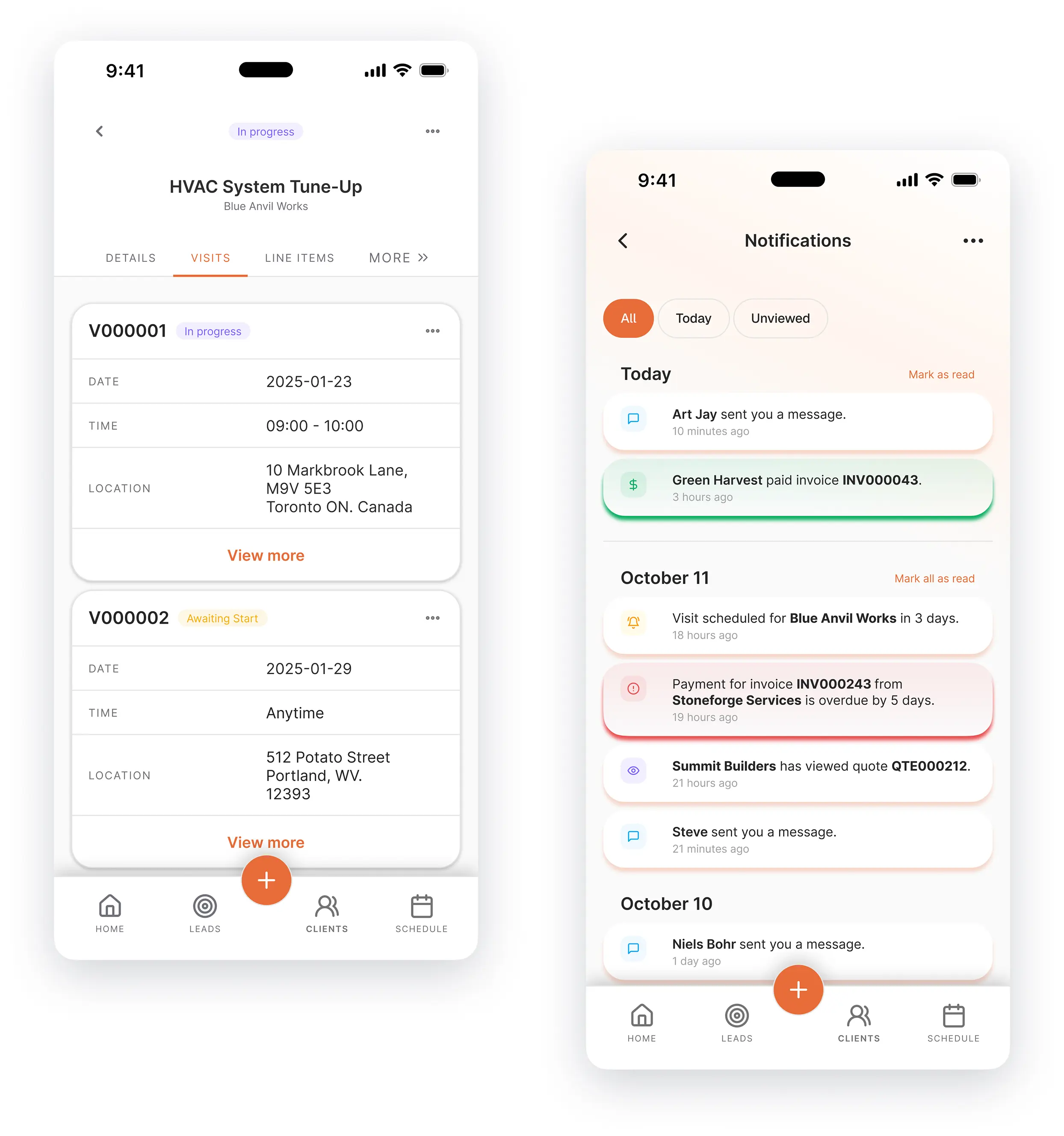
Create professional invoices, offer secure online pay links, and follow up automatically while field payments stay in sync.

Instant invoicing

Create and send branded invoices that match the work your team just completed.

Secure online checkout

Clients pay by card through Stripe-powered checkout when they’re not on site.

Payment reminders

Reduce overdue balances with automated follow-ups on pending invoices.

Partial payments

Accept deposits or partial amounts to improve cash flow and client flexibility.

Transaction history

See receipts and payment history tied to each invoice and client.

Financial reporting

Track income and outstanding balances without exporting to a separate tool.
hero image
How it works

Up and collecting in a few steps

Most teams go live with online payments first, then add a Terminal reader when crews need card present checkout.

1. Connect Stripe

Activate Leavoda Payments with Stripe Connect so your business receives funds directly.

2. Invoice from Leavoda

Create invoices after visits and send secure pay links to clients online.

3. Pair a card reader

Order a supported Stripe Terminal reader and connect it from the Leavoda mobile app.

4. Collect on the job

Open Collect Payment, take the card (or another method), and keep every transaction with the job.

Try Leavoda Today

Book your demo today or start a free trial immediately.

Frequently Asked Questions

Need more info? Contact our support team.

Yes. Connect a Stripe Terminal card reader (such as the WisePad 3) in the Leavoda mobile app so your team can collect tap, chip, or swipe payments after the job — alongside online invoices and Leavoda Payments.

Both work. Use a paired card reader for in-person tap/chip/swipe, or collect from the mobile app with manual card entry, cash, cheque, e-Transfer, and other methods when a reader isn’t available.

Leavoda supports major credit and debit cards (including Visa, Mastercard, and Interac where available), plus cash, cheque, e-Transfer, PayPal, and other recorded methods — so clients can pay the way they prefer.

Yes. Stripe-powered online payments and Terminal / mobile collections appear in your Leavoda transaction history with the related invoice, job, and client — for simpler reporting and follow-up.

No. Leavoda does not add markup on Stripe transaction fees. You pay Stripe’s standard processing rates for card payments.

Payments run through Stripe with encryption and PCI-compliant flows. Supported Terminal readers are designed for secure in-person card acceptance so your team doesn’t handle raw card data.