
Every feature to run and grow your service business.
1. Product overview
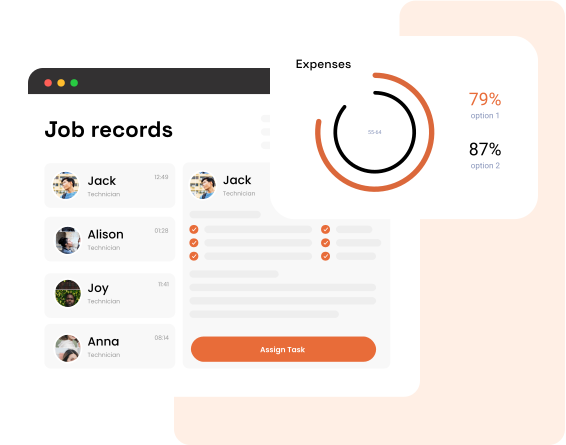
Leavoda is a field-service platform for home-service businesses. As a director you run the company account; your team works jobs in the field; your clients self-serve through Client Hub — all under your subscription.
Who is included in your account
- You (Director) — full company operations
- Team members — field staff & contractors
- Office staff — optional limited director-portal access via roles
- Clients — your customers via Client Hub
What you get
- Schedule jobs & visits
- Quote → job → invoice → get paid
- Track timesheets & contractor payouts
- CRM for clients, leads, requests
- Inventory, expenses, reports, chat
2. Director portal
Full company operations for the account owner (and director-portal team members, permission-filtered).
Dashboard
- Home overview with trial / subscription status
- Pipeline and operational KPIs
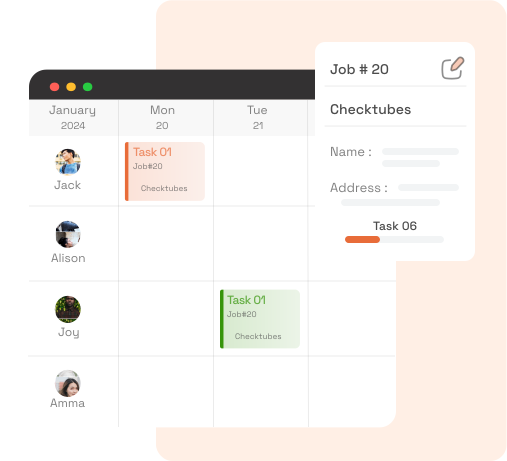
Schedule
- Calendar of field visits
- Map view of visits
- Create and manage visits
Clients (CRM)
- List, create, view, and edit clients
- Jobs, visits, quotes, invoices, transactions, requests, notes
- Contact, property, and billing addresses
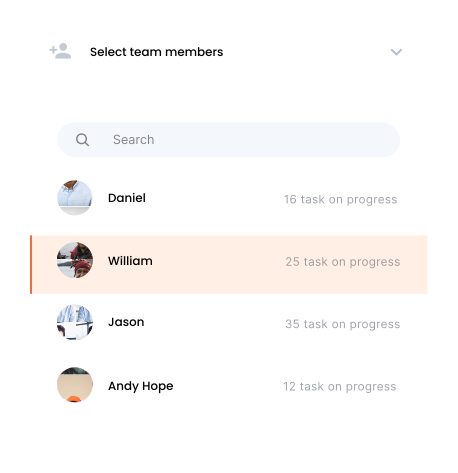
Team
- Invite and manage team members
- Employee (payroll) or Contractor (invoice-based)
- Access roles, rates, service areas, availabilities
Leads
- Active / converted / archived lists
- Convert lead → client
- Linked requests
Requests
- Inbound service request inbox
- Request form templates
- Shareable links + website embed script
- WordPress shortcode plugin
Quotes
- Full quote editor with versions and line items
- Tax, discounts, deposits, expiration
- Client signature / approval links
- Convert toward jobs; PDF / HTML
Jobs & visits
- Create blank or from job presets
- Services, inventory qty, schedule, checklists
- Job chat and client notifications
- Configurable job statuses
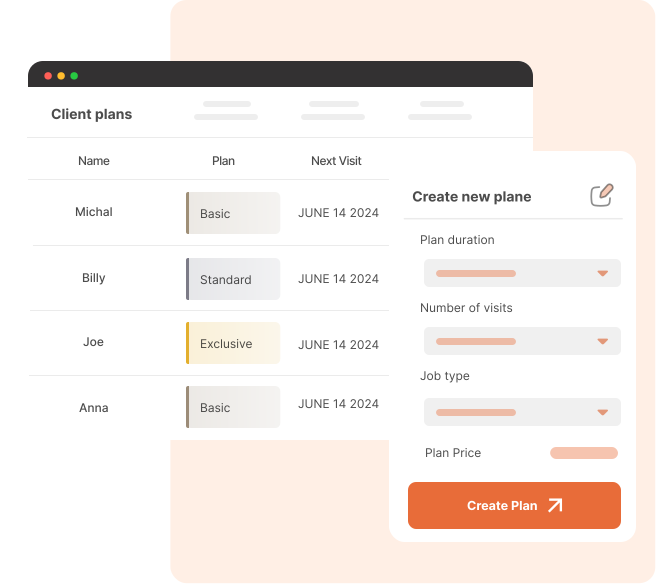
Maintenance plans
- Plans catalog and client subscriptions
- Pause / cancel / resume
- Recurring billing and visits
Invoices & payments
- Create and manage client invoices
- Collect with Stripe / Leavoda Payments
- Public invoice links and Client Hub
Inventory & suppliers
- Stock, warehouses, categories
- Consume from job line items
- Supplier directory
Timesheets & contractor payouts
- Org-wide timesheets with approve / reject
- Contractor invoices (CIN) from approved time
- Mark paid → optional director expense
Expenses & media
- Manual and recurring expenses with approval
- Media asset library across jobs and docs
- Photo annotations (internal vs client audience)
Reports & apps
- Payments, pipeline, jobs, invoices, aging, and more
- Stripe, OpenPhone, Google Reviews, WordPress, Gmail
Settings
Company configuration hub — searchable tiles that control how your account looks, bills, notifies, and operates day to day.
- LanguagesDefine preferred languages across the platform for you and your team.
- Tax variantsManage tax types used on quotes, invoices, and related documents.
- Services (products & services)Organize your sellable catalog for quotes and jobs.
- Branding & logoCustomize your visual identity on documents and client-facing surfaces.
- Light / dark themesChoose a light or dark theme pack for the web app.
- Leavoda PaymentsConfigure how you collect money from clients with Stripe / Leavoda Payments.
- Titles automationRules for naming jobs consistently.
- Job presetsStart repeatable jobs faster with standard line items and setup.
- Request formsPublic templates, share links, and embed script for your website (e.g. Get a Quote).
- TimezoneKeep schedules, visits, and timestamps accurate for your account.
- Invoice & quote templatesControl how invoices and quotes look when shared with clients.
- Notifications & notify clientIn-app alerts plus SMS/email presets for client updates.
- Availabilities & service areaWorking hours, time off, and geographic coverage for assignments.
- Warehouses & inventory categoriesWhere stock lives and how inventory is organized.
- SMS messages & job statusesOutbound SMS presets and your job status pipeline.
- Access rolesPermissions and which portals team members can open.
3. Team Member tools
Your team gets a dedicated web portal (and mobile app) so field work stays organized without giving everyone full office access.
Always available to team members
- Dashboard — member home
- Schedule — personal calendar
- Visits — day/list navigation, visit detail
- Timesheets — start / break / complete; history filters
- My Invoices — contractors only: create invoices from approved timesheets
- Expenses — submit / view own expenses
- Live Chat — job chats
- Profile, language, notifications
You control with access roles
- Jobs — list, detail, create
- Quotes — list / create / view
- Invoices — list / create / view
- Optional director-portal access for office-capable staff (permission-filtered)
Built-in guardrails
- Payroll employees do not get contractor My Invoices
- Team members cannot share or view client-audience photo annotations
4. Client Hub
Give clients a branded self-serve portal so they can approve quotes, track work, and pay — reducing back-and-forth for your office.
- Dashboard — counts, next visit, property weather
- Schedule — calendar + visit map
- Requests — view / submit request forms
- Jobs — list and job detail (incl. photos you share)
- Quotes — view, approve, optional signature
- Invoices — view and pay online (Stripe)
- Receipts & Billing — payment receipts and billing profile
- Profile — contact & addresses
5. Mobile app for your team
Native-capable app so your field team can work from the job site with the same core workflows as the Team Member web portal.
| Capability | Mobile | Notes |
|---|---|---|
| Dashboard, Schedule, Visits | Yes | Field-first UI |
| Timesheets + contractor invoices | Yes | Contractors only for My Invoices |
| Jobs / Quotes / Invoices | Yes | You control with permissions |
| Expenses, Chat, Profile, Language | Yes | — |
| Card reader / collect payment | Yes | Native-oriented |
| Full CRM / Settings / Reports / Inventory | — | Director web portal |

6. End-to-end workflows
Typical paths supported by the product.
Sales → delivery → cash
Requests can start from a lead or from an existing client.
Maintenance
Contractor labor
Client self-serve
7. Integrations & payments
- Stripe / Leavoda Payments — your subscription, client invoice checkout, Connect payouts where configured
- OpenPhone — phone integration
- Gmail — communications history
- Google Reviews — review workflow
- WordPress — site connection and request form shortcodes
- Promo codes — apply subscription discounts at checkout

Explore feature deep-dives
Jump into dedicated pages for the capabilities buyers ask about most.
Frequently Asked Questions
Yes. Client Hub lets your customers view schedules and jobs, submit requests, approve and sign quotes, pay invoices online, and access receipts — reducing back-and-forth for your office.
Yes. Create request form templates in Settings, share a public link, or copy an embed script for any HTML site (for example a Get a Quote section). A WordPress shortcode plugin is also available.
Yes. The Leavoda mobile app supports dashboard, schedule, visits, timesheets, contractor invoices, jobs, quotes, invoices (with permissions), expenses, chat, and on-site card collection with Square.
The account owner (director) has full access. You can also grant permission-filtered director-portal access to office-capable team members via access roles, while field staff use the Team Member portal and mobile app.

Fields We Specialize In
Features
Resources
Contacts
- support@leavoda.com
- info@leavoda.com
- 1 (888) 655-6593
- 6500 TransCanada Service Road,
4th Floor,
Pointe-Claire, QC H9R 0A5