
A customer portal that answers before they call.
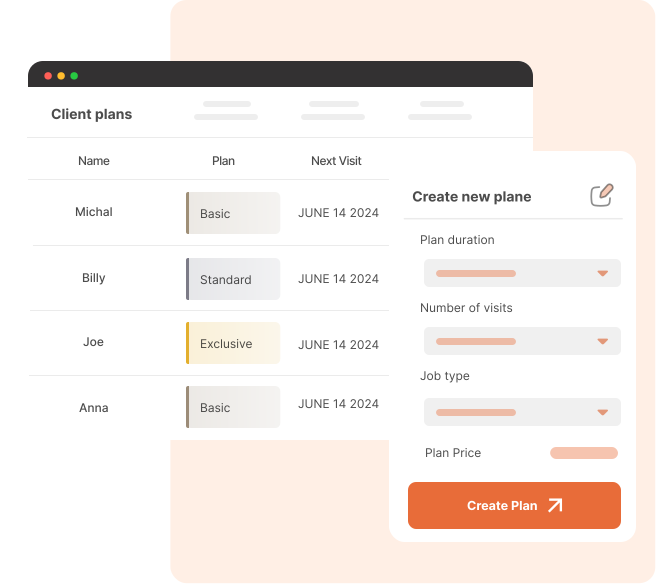
Self-serve that keeps work moving
Fewer status calls
Faster quote approvals
Get paid online
One branded experience
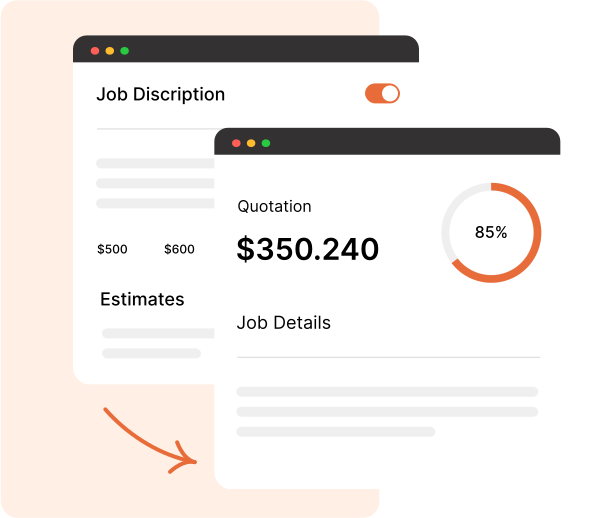
Approve work before the crew rolls out
View & approve
Optional e-signature
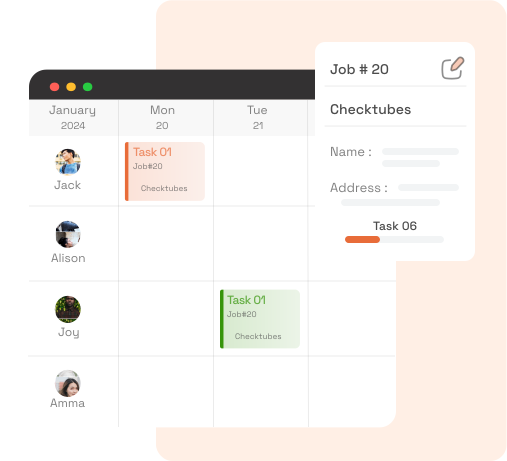
Let clients follow the work
Schedule & visit map
Shared job photos

Pay online without leaving the portal
Stripe-powered checkout
Receipts & billing profile
Everything your customers need in one login
Dashboard
Schedule
Requests
Jobs
Quotes
Invoices
Receipts
Billing
Profile
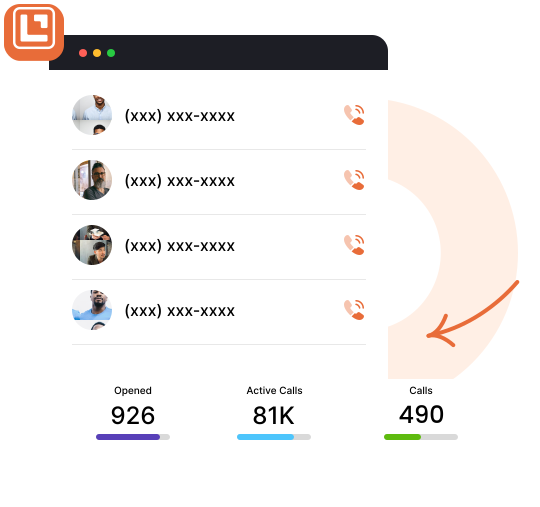
Fewer interruptions. Clearer handoffs.
Requests land in your inbox
Visits & appointments
You control visibility
Works with your crew tools
Frequently Asked Questions
Clients sign in to their Client Hub account from any browser. You control what they see based on the jobs, quotes, invoices, and shared photos tied to their profile — no separate app download required.
Yes. Clients can review quotes, approve them, and optionally add a signature. They can also open invoices and pay securely online through Stripe / Leavoda Payments.
The Client Hub dashboard shows useful counts, their next visit, and property weather context — plus navigation to schedule, requests, jobs, quotes, invoices, receipts, billing, and profile.
Yes. Clients can view and submit request forms from Client Hub, so new work starts in your inbound requests inbox without extra email chains.
No. You choose which job photos and annotations to share. Field teams cannot share client-audience annotations — directors manage what customers see in Client Hub.

Fields We Specialize In
Features
Resources
Contacts
- support@leavoda.com
- info@leavoda.com
- 1 (888) 655-6593
- 6500 TransCanada Service Road,
4th Floor,
Pointe-Claire, QC H9R 0A5